Globe SIM Status Check Online in 2026 Complete Guide
Are you trying to make a call or send a text, only to find that your signal is missing? Or maybe you just bought a new SIM and want to make sure it’s officially registered under your name? In 2026, keeping your Globe SIM active isn’t just about having load ,it’s about staying compliant with the law and ensuring your digital life doesn’t get disconnected.
Checking your Globe SIM status online is faster than ever. Whether you want to verify your registration, check your load balance, or see if your SIM is close to expiring, this article will guide you for everything.
Why You Need to Check Your Globe SIM Status
Before we dive into the “how,” let’s look at the “why.” Since the full implementation of the SIM Registration Act, an unregistered SIM is essentially a “dead” SIM.
Checking your status helps you:
- Verify Registration: Ensure your SIM is fully validated to avoid sudden deactivation.
- Monitor Expiry: Prepaid SIMs expire if not loaded for 120 days after reaching zero balance.
- Track Data/Load: Know exactly how much “GoPromos” data or regular load you have left.
How to Check Globe SIM Status Online
In 2026, there are three primary ways to check your status. The most reliable method is using the official digital tools provided by Globe.
Method 1: Using the GlobeOne App (Recommended)
The GlobeOne App is the “all-in-one” hub for every Globe subscriber. It provides the most detailed status report.
- Download and Log In: Open the GlobeOne app (available on Google Play, App Store, and AppGallery).
- Add Your Number: If it’s your first time, tap “Add Account” and enter your Globe mobile number.
- Check the Dashboard: On the home screen, look for your mobile number.
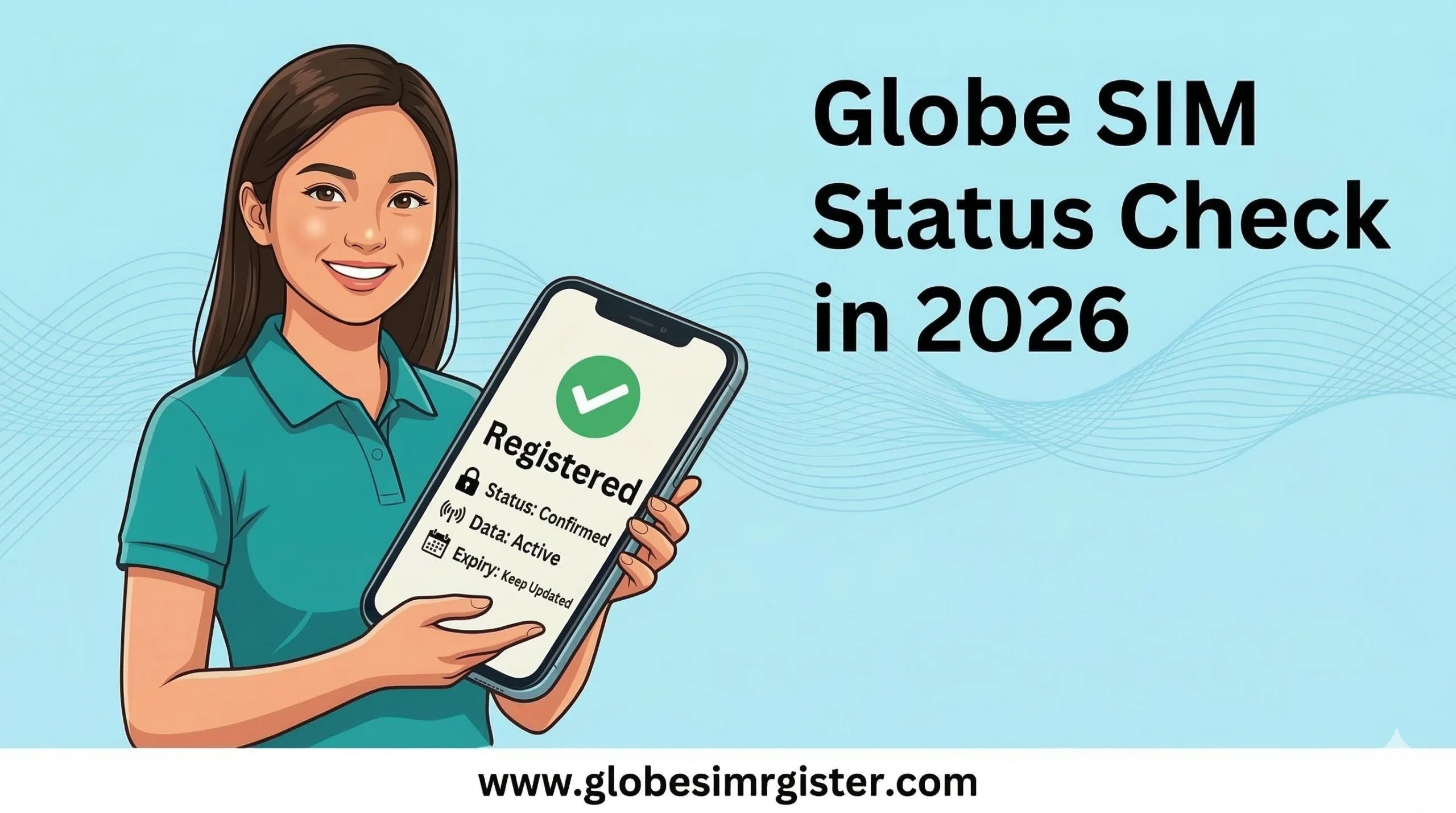
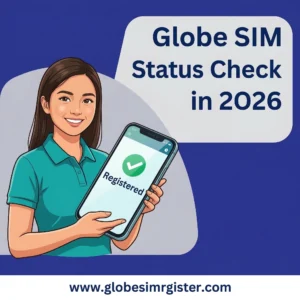
- View “Registered” Badge: A green “Registered” badge will appear near your profile if your SIM is legally compliant.
- Check Validity: Your remaining load and the exact expiration date of your SIM/Promos are displayed right there.
Method 2: Via the Official SIM Registration Portal
If you don’t want to download an app, you can use the web portal. This is specifically for checking SIM Registration Status.
- Go to the official link: simreg.globe.com.ph.
- Enter your 10-digit mobile number.
- Click “Register” or “Check Status.”
- You will receive a 6-digit One-Time Pin (OTP) via SMS. Enter this on the website.
- The system will display whether your number is “Already Registered” or if you need to provide more details.
Method 3: Checking via SMS (No Internet Needed)
If you are in an area with a poor data connection, you can still check your status using traditional SMS.
- For Registration Status: Text
SIMREGto 8080. You will receive a confirmation message stating if your details are on file. - For Load & Validity: Dial
*143#and follow the on-screen menu (usually Option 0 or “MyAccount”) to see your balance and expiry date.
Status Check Methods Comparison
| Feature | GlobeOne App | Web Portal | SMS (*143#) |
| Registration Status | Yes (Badge) | Yes | Yes |
| Load Balance | Yes (Detailed) | No | Yes |
| Data Usage | Yes (Real-time) | No | Limited |
| Internet Required | Yes | Yes | No |
Common Status Indicators and Meanings
- Active: Your SIM is working perfectly, is registered, and has a balance.
- Inactive/No Signal: This usually means your SIM has expired due to 120 days of zero balance or was never registered.
- Verification Pending: You have submitted your documents, but Globe is still validating them against government records.
Conclusion
Staying on top of your Globe SIM status in 2026 is simple thanks to the GlobeOne app and the official registration portal. By taking two minutes to check your status, you ensure that you won’t lose access to your bank OTPs, social media accounts, and essential contacts. Always keep a small amount of load on your SIM to prevent expiry, and make sure that “Registered” badge is visible.
Frequently Asked Questions (FAQs)
How can I know if my Globe SIM is registered?
The easiest way is to check the GlobeOne App. If you see a “Registered” badge next to your number, you are good to go. Alternatively, texting SIMREG to 8080 will give you an instant status update.
What happens if my SIM is not registered by the deadline?
In 2026, all SIMs must be registered before activation. If an existing SIM remains unregistered, it will be permanently deactivated, meaning you will lose your number, contacts, and any remaining load balance.
How to check Globe SIM expiry date online?
Log into the GlobeOne App. Your dashboard shows the “Load Expiry” date. Remember, for most prepaid users, your SIM stays active as long as you top up at least once every year, but it can expire 120 days after your balance hits zero.
Can I check the status of my Globe Pocket WiFi SIM?
Yes. Connect your phone to the Pocket WiFi, go to 192.168.254.254 in your browser to access the dashboard, and view the SMS inbox to receive the OTP needed for the GlobeOne app or web portal check.