Globe SIM PUK Code – Unlock Your SIM Card Complete Guide 2026
Have you ever tried to open your phone only to find that your SIM card is blocked? This usually happens if you type the wrong security PIN too many times. When this occurs, your phone will ask for a PUK code, which stands for “Personal Unblocking Key.” This code is a special security number used to reset your SIM card.
If you are a Globe user and find yourself in this situation, do not worry. This article will explain why your SIM gets locked, how you can find your PUK code, and the correct steps to unlock your SIM safely. Check How to Share Globe Load and Data via New Methods in 2026
Why Does a Globe SIM Get PUK Locked?
Your SIM card is designed to protect your private information. Because of this, it has security layers that trigger a lock if something seems wrong. Here are the most common reasons why your SIM might require a PUK code:
- Wrong PIN Entries: If you have a PIN code enabled on your SIM and you enter the wrong numbers three times in a row, the system will automatically lock the SIM to prevent unauthorized access.
- Reporting a Lost SIM: If you lose your phone and call Globe to report it, they may lock the SIM so that no one else can use your load, data, or contacts.
- Unusual Activity: Sometimes, the Globe network detects strange behavior on your account. As a safety measure, they might lock the SIM until you can prove you are the real owner.
How to Get Your Globe SIM PUK Code
Finding your PUK code is easier than you might think. There are three main ways to retrieve it. You can choose the method that is most convenient for you.
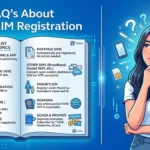
1. Check the SIM Card Packaging
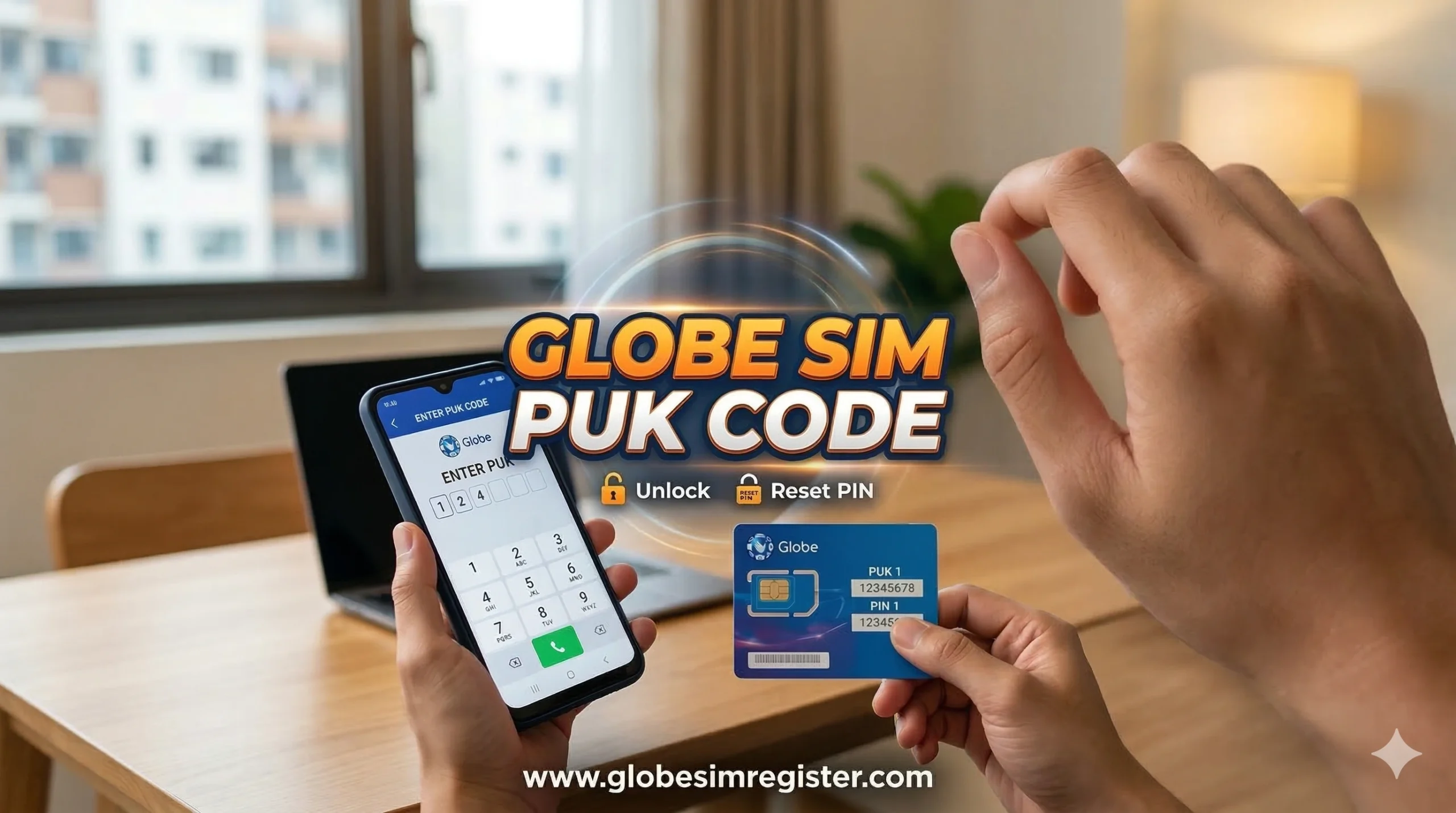
The easiest way to find your PUK code is to look at the original plastic card that your SIM came in. When you first bought your SIM, it was attached to a credit-card-sized piece of plastic. The PUK code is usually printed on the back of that card. If you still have your packaging, simply look for the 8-digit PUK number and use it to unlock your phone.
2. Find the Code Online (Portal or GlobeOne App)
If you have lost your packaging, you can use the internet. Globe provides digital tools for its customers.
- GlobeOne App: Log in to the official GlobeOne app on another device. Navigate to your account settings or help section to find your PUK details.
- Official Website: You can visit the Globe portal. Usually, you will need to enter your mobile number and follow the verification steps. Once verified, the system will display your PUK code on the screen.
3. Contact Globe Customer Care
If the online methods do not work, you can talk to a real person.

- Call the Helpline: Dial 808 using another Globe phone.
- Verification: The agent will ask you some questions to make sure you are the owner of the SIM. This might include your name, address, or recent load transactions.
- Get the Code: After they verify your identity, they will give you the PUK code over the phone. You can also visit a physical Globe Store for face-to-face help.
How to Unlock Your Globe SIM Using the PUK Code
Once you have the 8-digit PUK code in your hand, follow these steps carefully:
- Insert the SIM: Make sure the locked SIM is inside your mobile phone and turn the phone on.
- Enter the PUK: Your phone screen should say “Enter PUK.” Carefully type in the code you retrieved.
- Create a New PIN: After the PUK is accepted, the phone will ask you to create a new PIN. Choose a 4-digit number that you can easily remember.
- Confirm and Restart: Type the new PIN a second time to confirm. Once finished, restart your phone. Your SIM should now be active and ready to use.
What If My SIM Gets Permanently Locked?
You must be very careful when entering the PUK code. You are allowed 10 attempts. If you enter the wrong PUK code 10 times, your SIM card will be “permanently blocked.”
When a SIM is permanently blocked, it can never be used again. You will lose access to your remaining balance, active promos, and saved contacts on that specific SIM. However, there is a solution: SIM Replacement. You can go to a Globe Store and request a new SIM card while keeping your old mobile number. This allows you to keep your existing plans and accounts linked to that number.
Important Tips to Avoid SIM Issues
To save yourself from stress in the future, keep these tips in mind:
- Store Your Packaging: Always keep the original SIM card holder in a safe place, like a desk drawer or a file folder.
- Don’t Guess: Never try to guess the PUK code. Since you only have 10 tries, it is better to wait and find the correct code through the app or customer service.
- Write It Down: Once you set a new PIN, write it down in a private notebook or a password manager app so you don’t forget it again.
- Keep Your Number: If you do get permanently locked out, visit a Globe center quickly to get a replacement SIM so you don’t lose your mobile identity.
Conclusion
Getting locked out of your Globe SIM can be frustrating, but the PUK code is there to keep your data safe. Whether you find the code on your SIM packaging, through the GlobeOne app, or by calling the helpline, the process is straightforward. Just remember to type the code slowly and accurately to avoid a permanent lock. By following these simple steps, you can get back to calling, texting, and browsing in no time.