How to Share Globe Load and Data ( How To Pasaload Globe ) New Methods 2026
Are you trying to figure out how to send load to a friend or family member using your Globe SIM? If you have been using Globe for a long time, you might notice that the old ways of “Pasaload” do not work anymore. Sending a text message or dialing a code to transfer your own balance is a thing of the past.
In this guide, we will explain the new ways to share load and data in the Philippines. Everything is now done through official apps to make sure your transactions are safe and fast. Check your Globe balance and data before it finished.
Is Pasaload Still Available?
It is important to know that the traditional Pasaload service was officially stopped by Globe Telecom on December 2, 2022. You can no longer transfer your existing phone credit directly to another person.
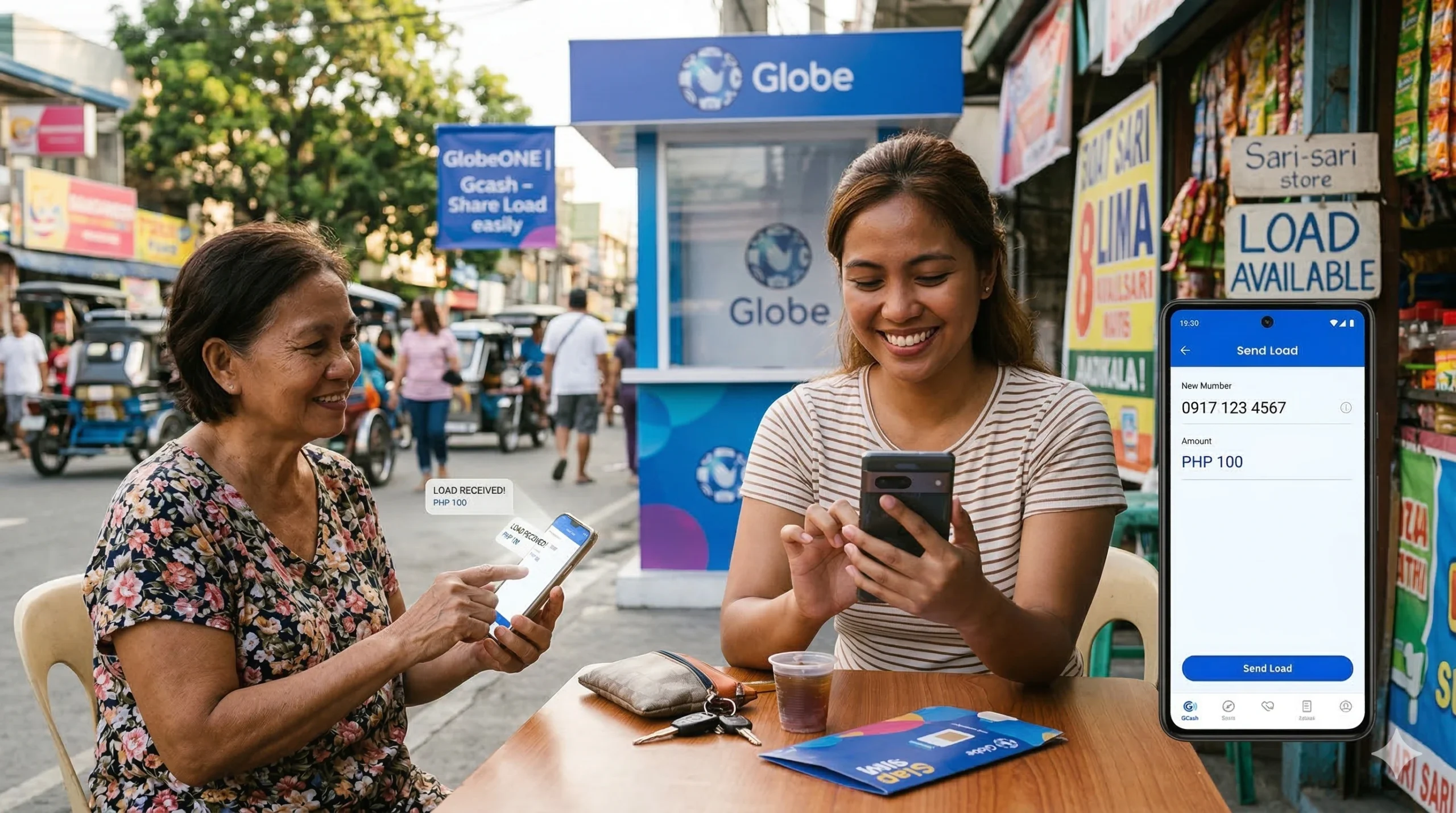
Instead of “transferring” your current balance, the new method involves purchasing a load or a promo directly for someone else. You use your digital wallet (like GCash) or a bank card to pay for a load that goes straight to their number.

A Note on SIM Registration
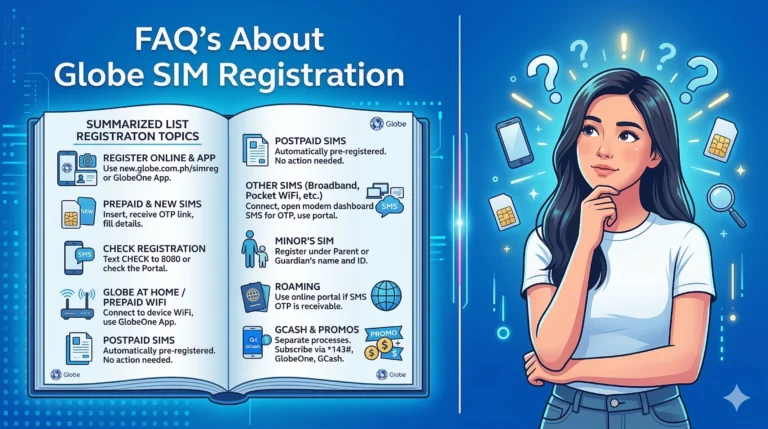
Before you start, remember that SIM registration is now a law in the Philippines. Ensure your SIM is registered to keep your service active and to protect yourself from scammers.
How to Send Load Using GCash
GCash is one of the most popular ways to send load. It is fast and very easy to use. Follow these simple steps:
- Open the App: Launch the GCash app on your smartphone.
- Secure Login: Enter your 4-digit MPIN to access your account.
- Find Buy Load: On the main dashboard, look for the “Buy Load” icon and tap it.
- Enter the Number: Type in the mobile number of the person you want to help. Make sure the number is correct.
- Select Amount or Promo: You can choose to send a specific amount (like 50 or 100 pesos) or pick a specific promo (like Go+ or GOSURF).
- Confirm and Pay: Review the details. If everything looks good, click “Confirm.” You and the receiver will both get a text message once the transaction is successful.
How to Share Load Using the GlobeOne App
The GlobeOne app is the official tool for Globe customers. It is the best place to manage your account and send load to others.

- Access your Account: Open the GlobeOne app and log in.
- Go to the Shop: Tap the “Shop” button located at the bottom of the screen.
- Choose Your Gift: Select whether you want to send a regular load or a specific data promo.
- Recipient Details: Carefully type the mobile number of the person you are sending the load to.
- Payment Selection: Tap “Buy Load” or “Subscribe.” You can pay using GCash, your credit/debit card, or even through your linked bank account.
- Complete the Process: Follow the instructions on the screen to finalize the payment.
Sharing Mobile Data (SURF4ALL)
Sometimes, you don’t want to send money; you just want to share your internet. Globe has a special promo called SURF4ALL that allows you to share a large pool of data with other people.
How to manage shared data:

- Open GlobeOne: This feature is managed through the GlobeOne app.
- Check Usage: Go to the “Usage” tab on the main screen.
- Manage Group: Look for your active SURF4ALL promo and find the “Group Data” section.
- Add Your Friends: Click “Add Member.” You can add up to four people. You can type their numbers or find them in your contacts.
- Set Limits: The best part is that you can see how much data each person uses!
Important Rules to Remember
- Network Limits: You can only share load or data from Globe to Globe or Globe to TM. You cannot send load to other networks like Smart, TNT, or Dito.
- No More SMS Codes: Do not try to send load by texting “Amount” to “2 + Number.” This will not work anymore.
- No More USSD: Dialing *143# to share load is also a discontinued service.
Tips for a Smooth Experience
- Double-Check the Number: A single wrong digit means your money goes to a stranger. Always verify the number before hitting confirm.
- Use Official Apps Only: To avoid being scammed, never use third-party websites that claim to ” Pasaload.” Only use GCash or GlobeOne.
- Internet Connection: Make sure you have a stable internet connection when using these apps to avoid payment errors.
Frequently Asked Questions (FAQs)
Can I still use 143# to Pasaload?
No. This method was discontinued in late 2022. You must now use the GlobeOne app or GCash.
Can I send load to a Smart SIM?
No. Globe’s loading services only work for Globe and TM subscribers.
Is there a fee for sending load?
When using GCash or GlobeOne, you usually just pay the face value of the load. However, always check for any small convenience fees that might apply depending on your payment method.
Conclusion
While the old “Pasaload” SMS system is gone, the new digital methods are actually much safer. By using GCash or the GlobeOne app, you can ensure that your friends and family stay connected. Just remember to always use official apps and double-check the recipient’s number!
One Comment